When I try to create a step with the docker plugin it cannot connect to my repository. I have everything running under swarm and traefik.
level=info msg="Error logging in to v2 endpoint, trying next endpoint: Get https://registry.hidden.com/v2/: dial tcp: lookup registry.hidden.com on 127.0.0.11:53: read udp 127.0.0.1:44399->127.0.0.11:53: read: connection refused"
This means docker is getting a TCP connection refused error, which indicates a networking problem. Unfortunately triaging complex networking issue, especially related to traefik configuration, is outside of our area of expertise.
you can absolutely use the docker plugin, however, you will just need to triage your networking issues to understand why the tcp connection is being refused.
Any idea what it could be I can not find how to fix it?
 time="2021-02-24T03:05:35.328731653Z" level=info msg="Loading containers: start."
time="2021-02-24T03:05:35.367410010Z" level=warning msg="Running modprobe bridge br_netfilter failed with message: ip: can't find device 'bridge'\nbridge                147456  1 br_netfilter\nstp                    16384  1 bridge\nllc                    16384  2 bridge,stp\nip: can't find device 'br_netfilter'\nbr_netfilter           20480  0 \nbridge                147456  1 br_netfilter\nmodprobe: can't change directory to '/lib/modules': No such file or directory\n, error: exit status 1"
time="2021-02-24T03:05:35.439839705Z" level=info msg="Default bridge (docker0) is assigned with an IP address 172.17.0.0/16. Daemon option --bip can be used to set a preferred IP address"
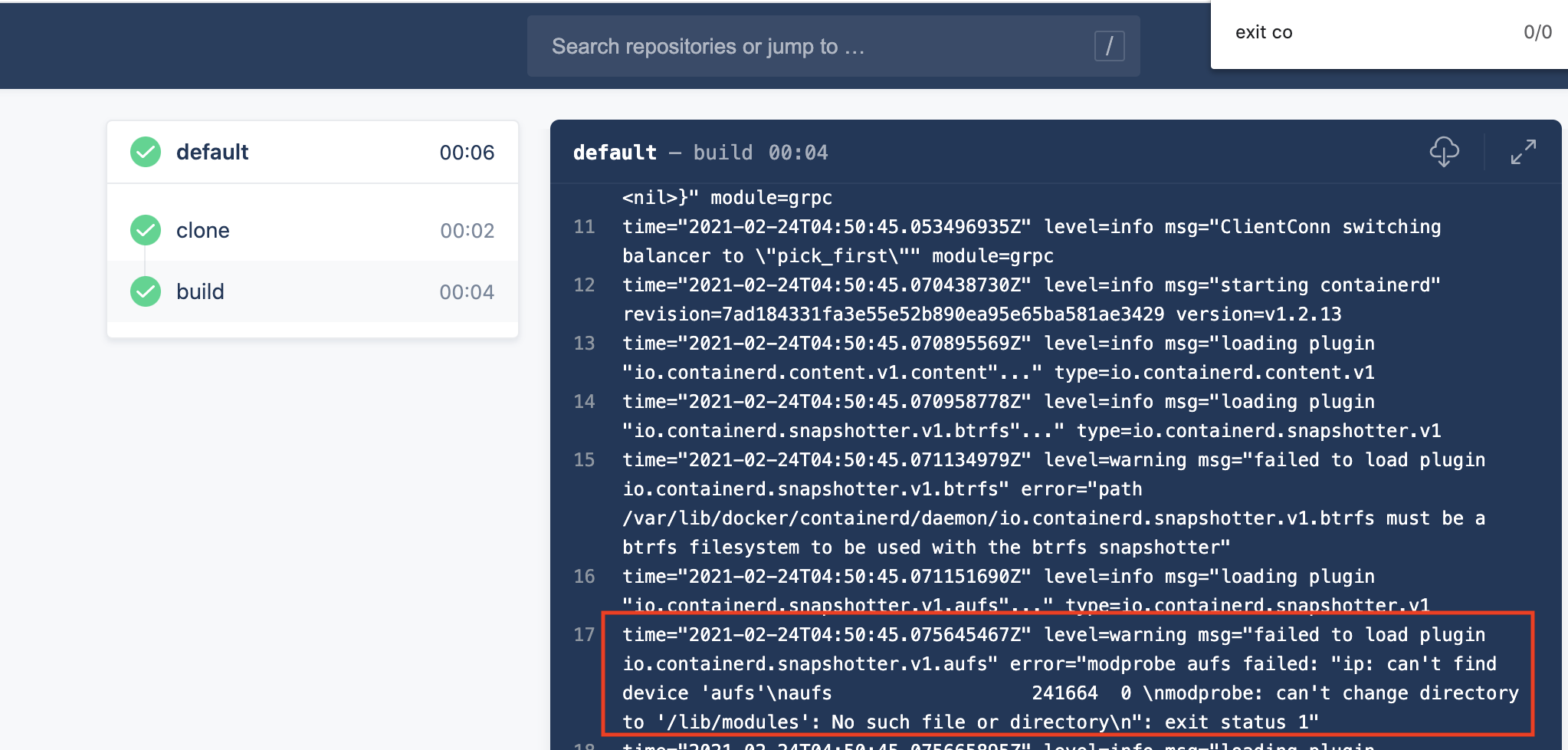
That warning message is expected and is not related to your network issues. It is a false positive and can be ignored. The below screenshot is an example of a real build which also displays the same warning message, and still completes successfully:
level=info msg=“Error logging in to v2 endpoint, trying next endpoint: Get registry.hidden .com/v2: dial tcp: lookup registry.hidden .com on 127.0.0.11:53: read udp 127.0.0.1:44399->127.0.0.11:53: read: connection refused”
This error indicates a networking issue.
It could related to swarm and traefik; it could be related to the fact that drone pipelines do not use the default bridge network (which has dns implications); or it could be related to the fact that the docker plugin runs docker-in-docker (which could also have dns implications). But either way, it is definitely a networking issue.
The problem is in plugins/docker.
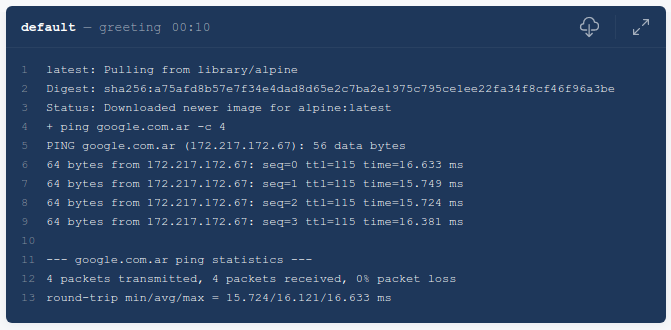
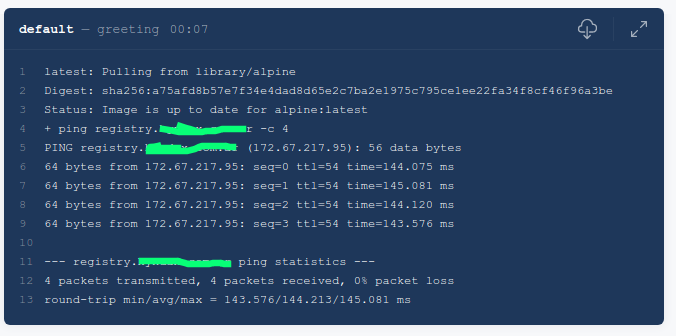
I tried an alpine by pinging google and it has internet.
The error indicates the connection to your private registry is being refused. The fact that you can ping google (a public address) seems unrelated to whether or not you can establish a tcp connection to your private registry.
pinging a server indicates the host is reachable, however, a tcp connection refused often indicates nothing is listening on the port. This can sometimes (but not always) be indicative of a dns problem, where the dns resolves to an undesired address.
In general, connection refused errors are generated during a connect system call when an application attempts to connect using TCP to a server port which is not open.
If it says Connection refused , it is likely that the other host is reachable, but there is nothing listening on the port. If there is no response (packet is dropped), it is likely a filter blocking the connection . Next, try nmap . This will tell you which ports are open and blocked.